














“Why did we do it this way again?”
The decision is six months old, the person who made it has left, and the thread that settled it is still somewhere.
Connect your tools once. Ask anything from Claude, ChatGPT or your own agents, always with the source.
Toute forme revient
Data takes the shape of the system that holds it.
Here, it finds one again.
Art by Mada Erzinoskaïa
Your tools, your data, available to any AI.
Connect once. Ask in plain language. Control who sees what. Keep it working with any AI.
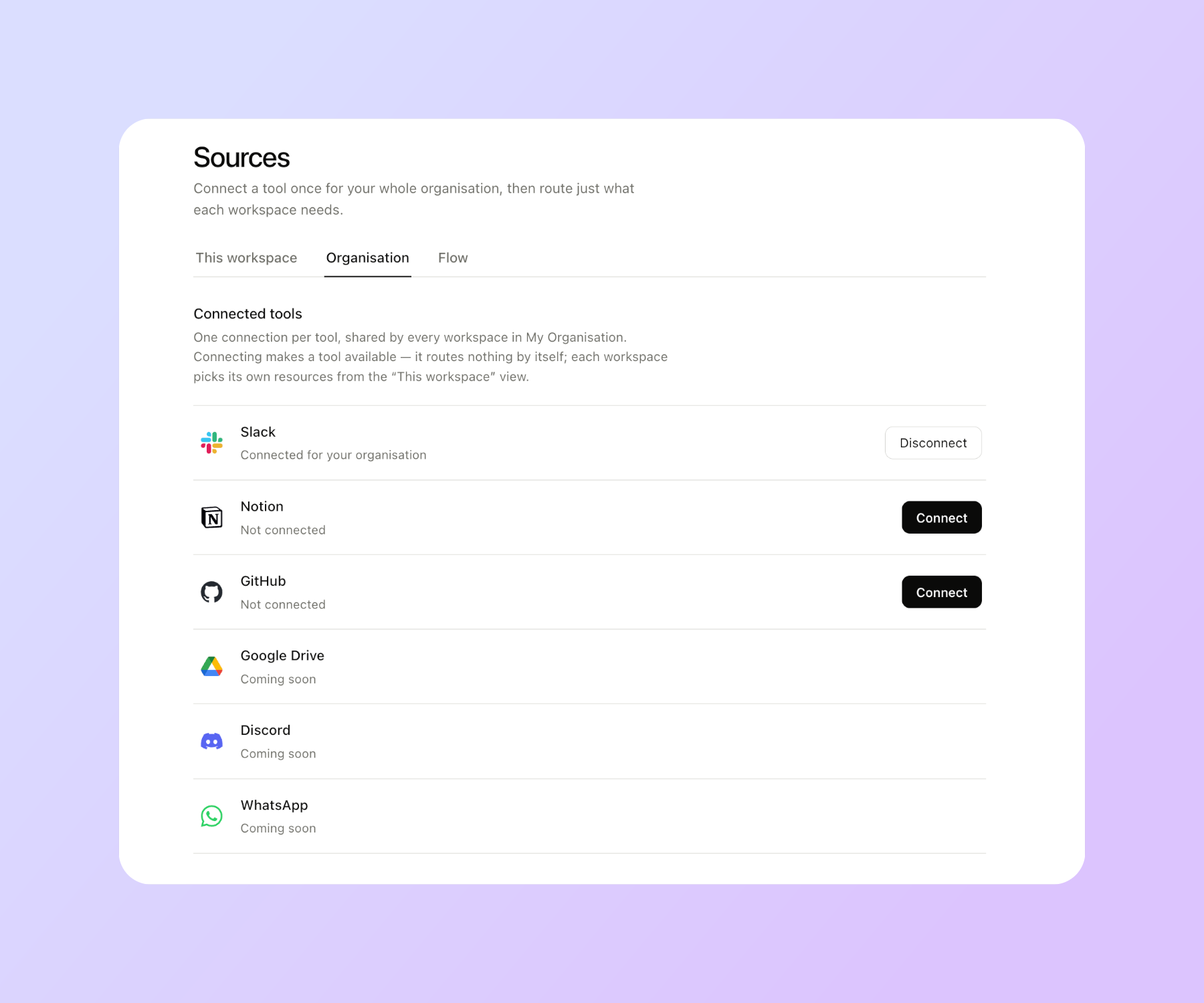
Slack, Notion, GitHub, Google Drive, Discord. PDFs, contracts, decks. Bucket ingests them passively, so your team keeps working exactly as before.
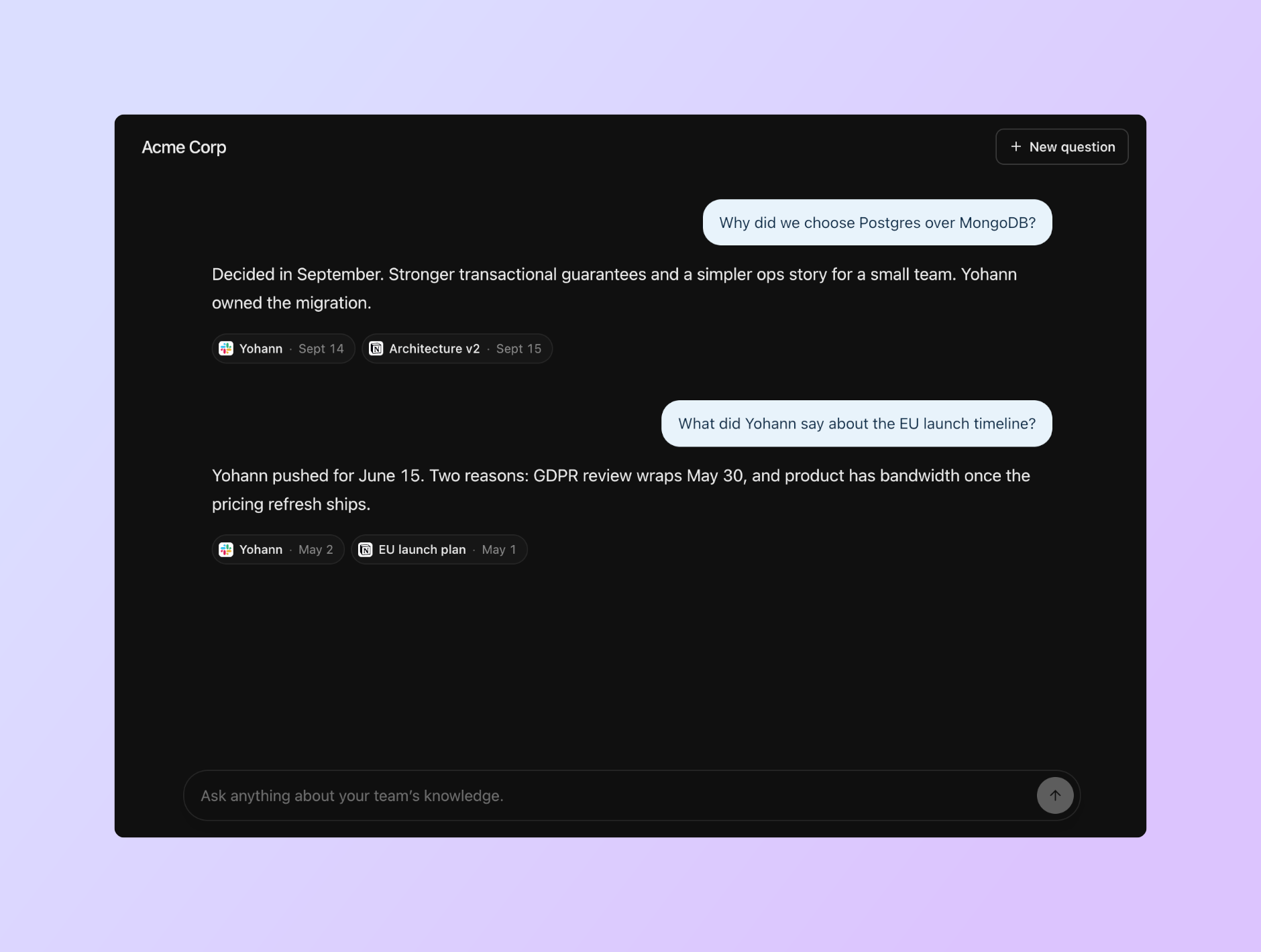
Dated, sourced, and attributed to the right person. Not a summary. A graph shows you where every answer comes from.
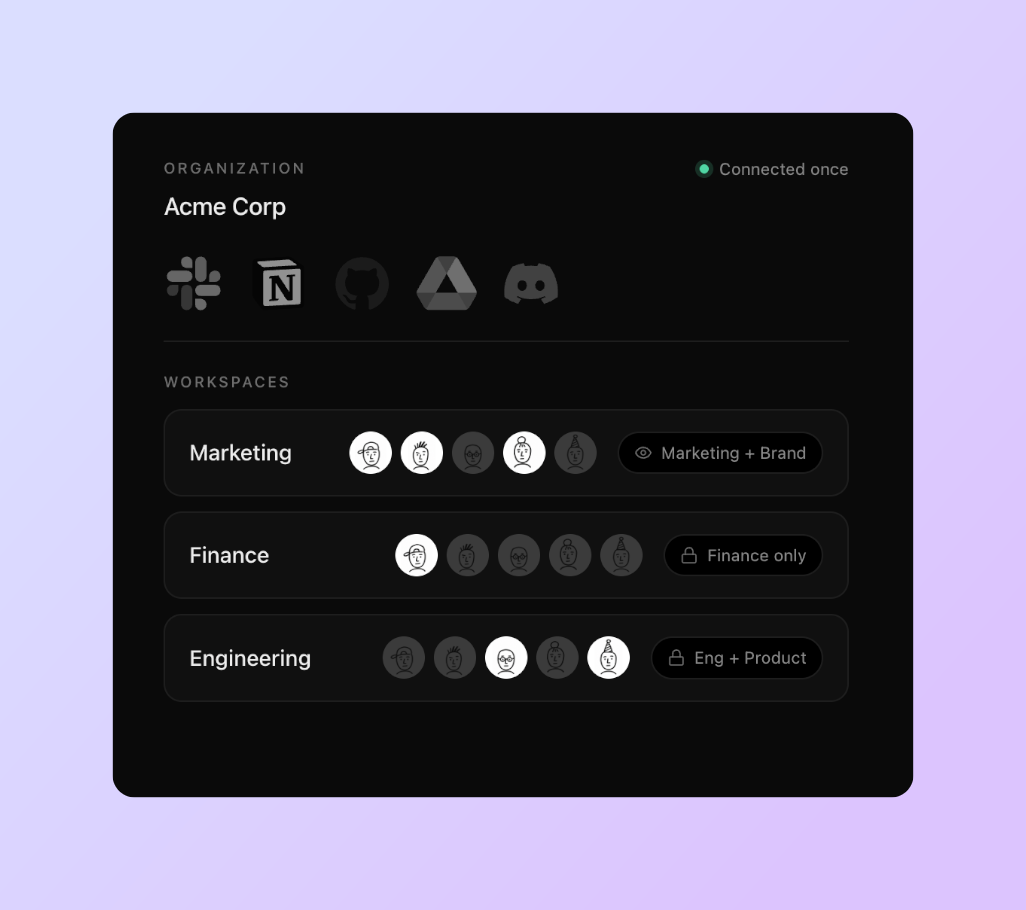
Permissions are respected at the source. Decide who reaches which data, workspace by workspace, and every flow stays in its lane.
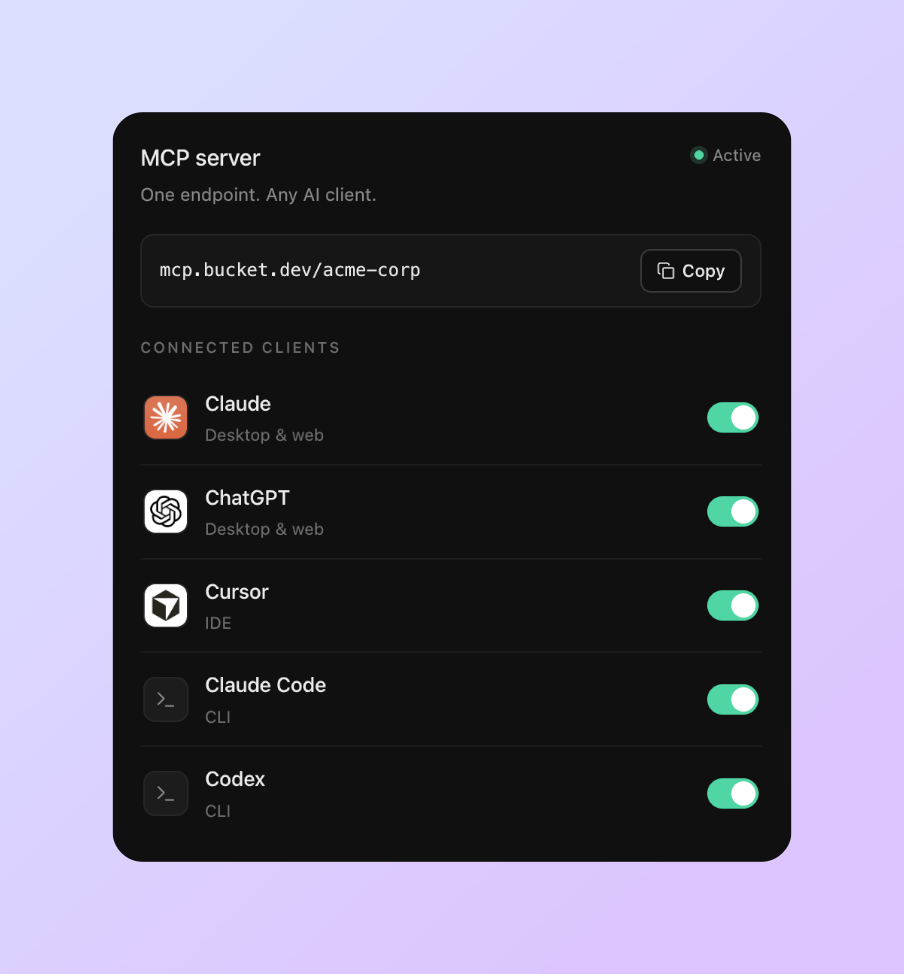
Claude, ChatGPT, Cursor, or whatever your team moves to next. No lock-in, exportable at any time. Your knowledge follows you.
Built on MCPOne MCP endpoint. Add it to Claude, ChatGPT, Cursor or your terminal. Nothing else to install.
Connect Bucket to your AI. Paste the endpoint from your workspace settings.
 Claude
 ChatGPT
 Cursor
Connect a tool once. Each bucket takes what it needs. Everyone reads their own through the Relay.
Everything your tools hold lands here, once. This is your organisation’s data lake. Buckets are the slices of it your teams work from, and everyone reads their own from the AI they already use.
One connection per tool, shared by every bucket here. Disconnecting removes its data from the whole organisation.
 SlackconnectedDisconnect
 NotionconnectedDisconnect
 GitHubconnectedDisconnect
 Google DriveNot connectedConnect
A bucket sees the tools it was given, plus its own private files. Open one to change what it takes.
7 sources2 sourcesOne endpoint of your own, covering every bucket you belong to. Point the AI you already use at it, and it reads what you can read. Nothing more.
Speaks the Model Context Protocol. Not available yet.
The same memory, wherever it’s missing.
The decision is six months old, the person who made it has left, and the thread that settled it is still somewhere.
The answer was written three times, by three people, in three different tools.
The most asked question in any company, and the one that costs everyone the most time.
Three months rebuilding what the team already knows, by interrupting the people who know it.
Those connect one person’s account, with that person’s access. Everyone on the team has to set it up again, in their own corner, and no one has a view of who can reach what. They also search one source at a time, so a question whose answer spans a Slack thread and a Confluence page comes back incomplete. Bucket connects once, for the organization, with permissions.
Those platforms are where you go to work. You build assistants inside their interface, and your team has to move there. Bucket has no interface for your team. Your people keep the AI they already use (Claude, ChatGPT, Cursor), and it simply knows your company.
Because you can’t search what you don’t hold. Live APIs search by keyword, not by meaning, and they return whole threads and whole pages, which floods the model’s context with noise. Bucket indexes your content, then returns the few passages that actually answer the question. That selection is the product.
Full export, permanent deletion, on request. MCP is an open standard, so nothing about your setup is specific to us.
If it has an API, we build the connector with you. Scoped upfront, delivered as a service.
Permissions are respected at the source. If someone can’t open a document in Google Drive, they don’t get it through Bucket either. Workspaces let you separate teams on top of that.
Connect your tools once. Works with whatever comes next.
Talk to sales